
Features
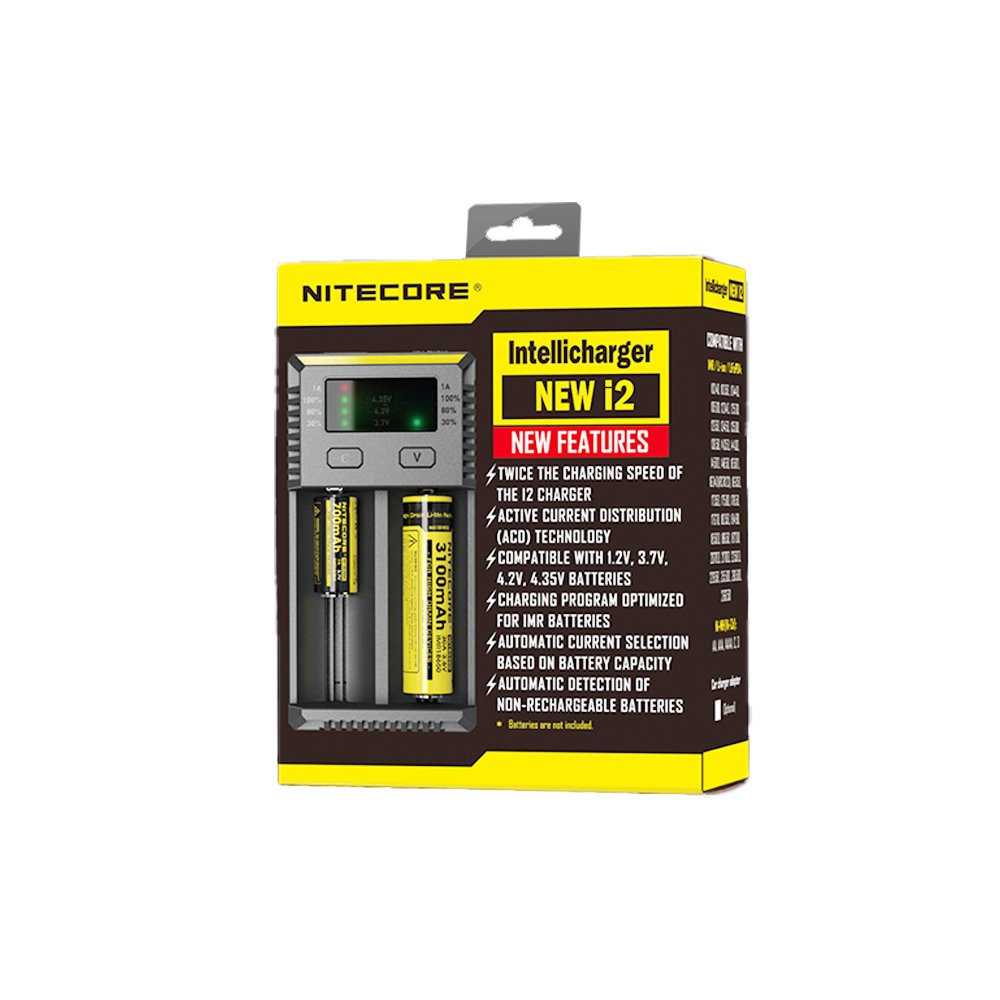
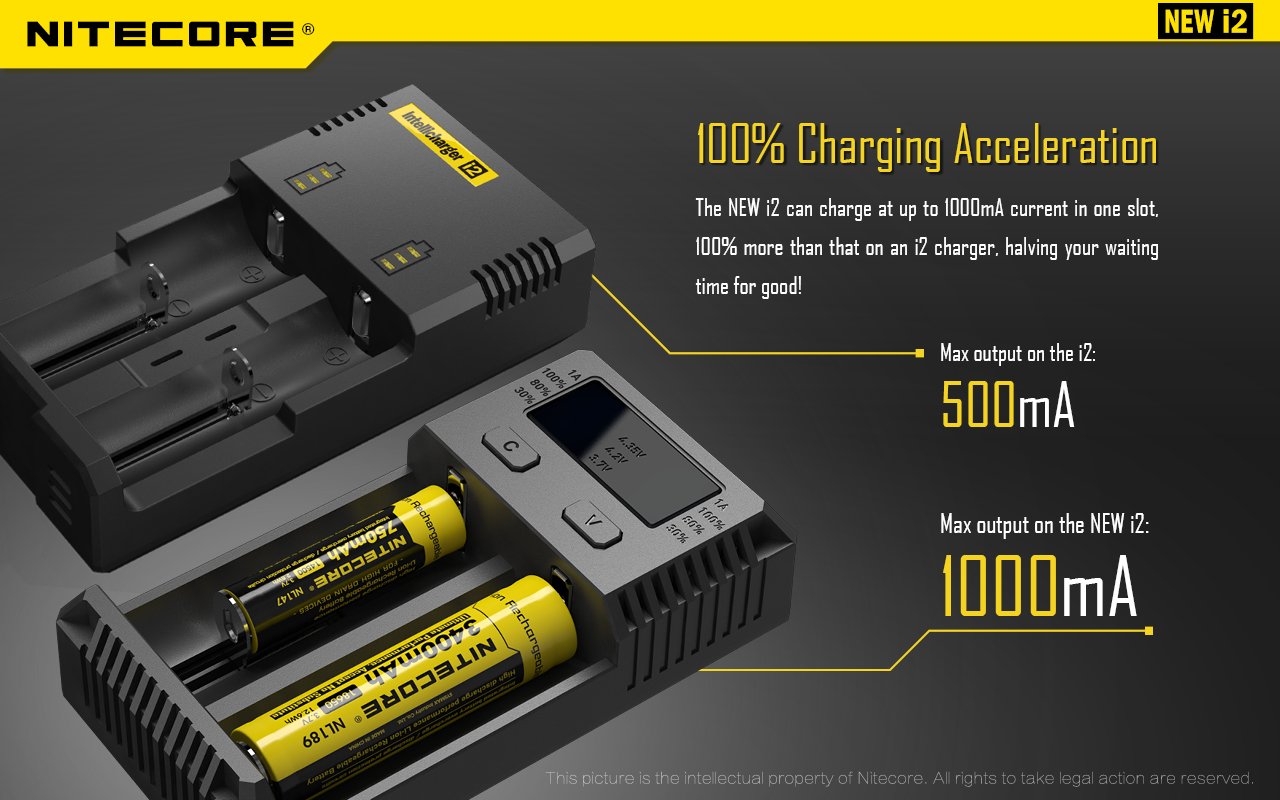
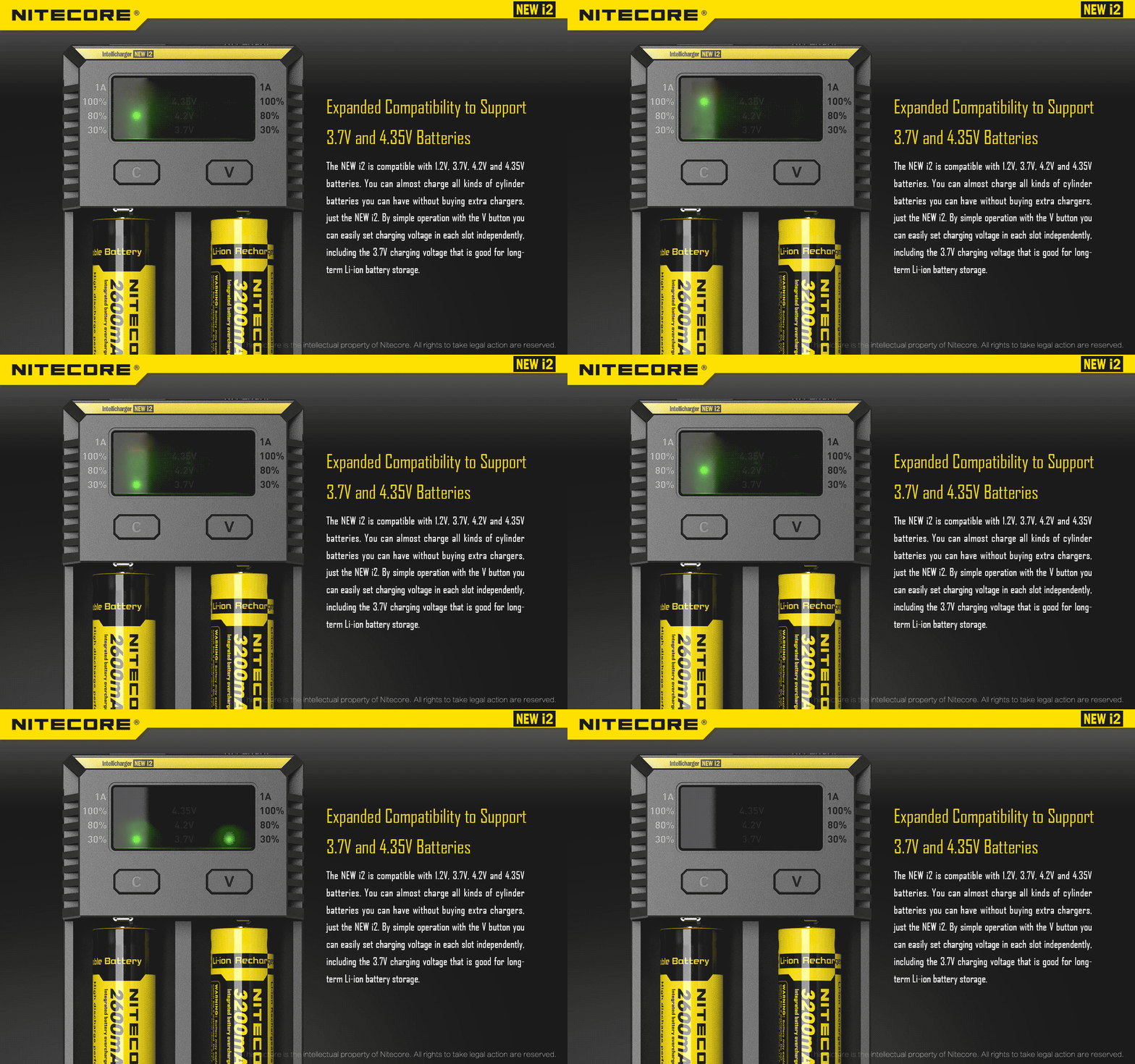
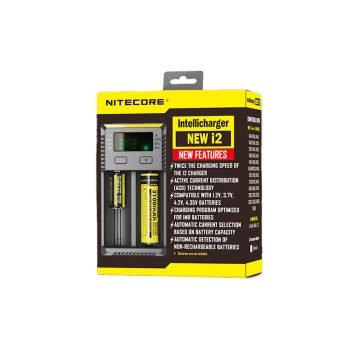
·Twice the charging speed of the i2 charger
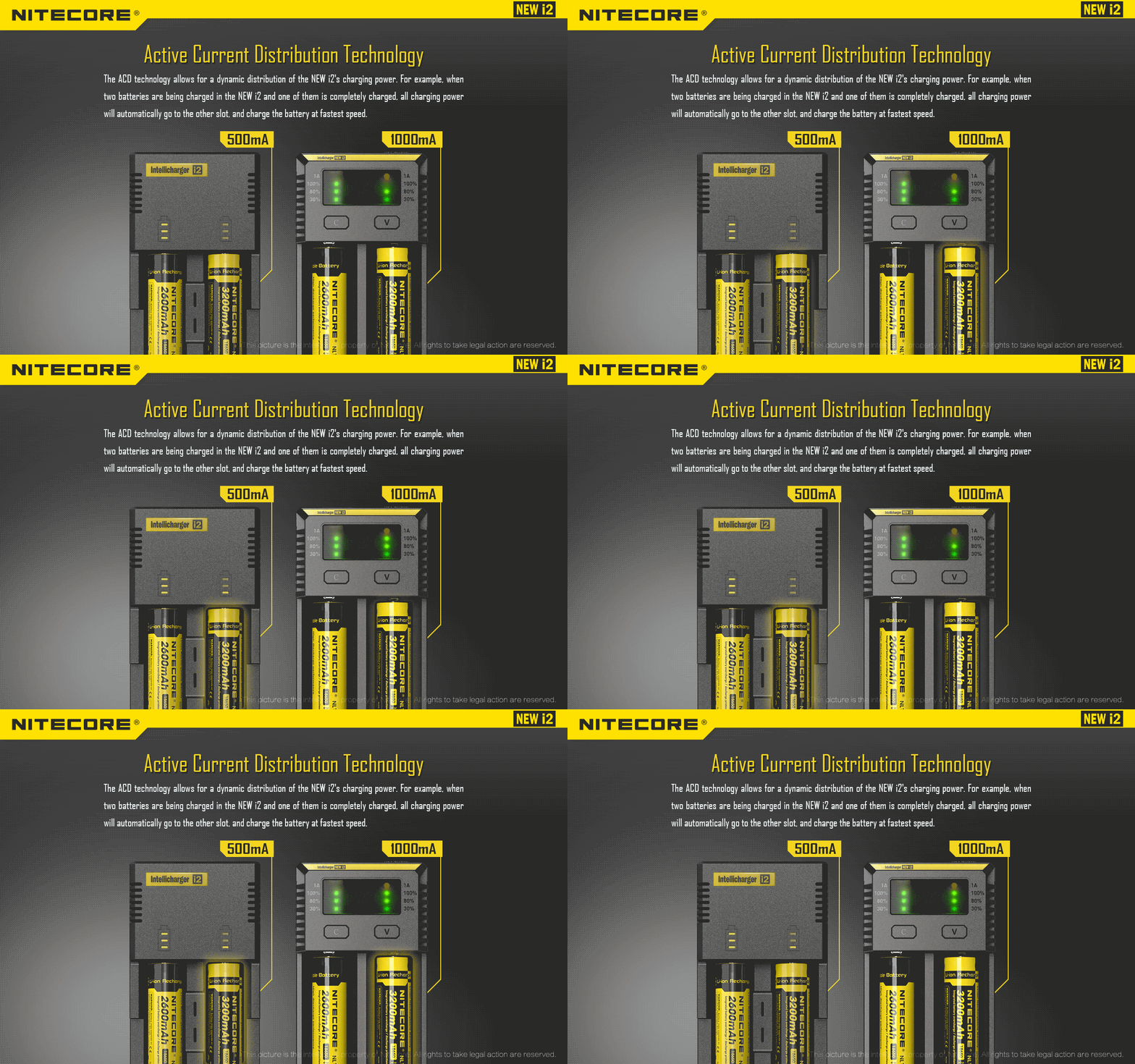
·Active Current Distribution (ACD) Technology
·Compatible with 1.2V, 3.7V, 4.2V, 4.35V batteries
·Charging program optimized for IMR batteries
·Automatic current selection based on battery capacity
·Automatic detection of non-rechargeable Lithium batteries
·Capable of charging two batteries
·Two charging slots charge and control independently
·Automatically detects battery power status and displays charging progress
·Automatically stops charging upon charging completion
·Reverse polarity protection and short circuit prevention
·Over-discharged battery activation
·Overtime charging protection
·Designed for optimal heat dissipation
·Made from fire resistant, flame retardant PC material
·Certified by RoHS, CE, FCC and CEC
·Insured worldwide by Ping An Insurance (Group) Company of China, Ltd.
Specifications
Input Voltage: AC 100~240V 50/60Hz 0.25A(max) 8W
DC 9~12V
Output voltage: 4.35V±1%/4.2V±1%/ 3.7V±1%/1.48V±1%
Output current: 500mA×2/1000mA ×1
Compatible with:
Li-ion/IMR/LiFePO4:
10340, 10350, 10440, 10500, 12340, 12500, 12650, 13450, 13500, 13650, 14350, 14430, 14500, 14650, 16500,
16340(RCR123), 16650, 17350, 17500, 17650, 17670, 18350, 18490, 18500,18650, 18700, 20700, 21700, 22500, 22650,
25500, 26500, 26650
Ni-MH(NiCd): AA,AAA,AAAA,C,D
Dimensions: 132mm×70mm×35mm
Weight: 126g(without batteries and power cord)
Operating Instructions
Connect to power source: Connect the NEW i2 to an external power source (such as car adaptor, power socket) via its
charging cable.
Install batteries: Put one or two batteries in each independently-controlled slot according to the polar mark on the charger.
Battery identification: Four LEDs go up over the slot a Lithium battery is inserted in; two lower LEDs go up over the slot a
Ni-MH battery is inserted in. Charging begins in two seconds.
Battery inspection and report: The NEW i2 automatically discriminates between rechargeable and non-rechargeable
Lithium batteries. It automatically reports errors when non-rechargeable Lithium batteries are inserted, or batteries are
short-circuited or inserted with polar reversed.
Note:
(1) The non-rechargeable Lithium battery detection is an ancillary function.
a. The main purpose of this function is to identify completely discharged CR123 batteries in case that such batteries
are inserted for charging, which could lead to explosion.
b. Due to the diversity of battery chemicals, the charger cannot detect all non-rechargeable batteries. Please do not
insert any batteries known as non-rechargeable in the charger.
Smart charging: The NEW i2 can choose charging currents based on intelligent detection about battery types and
capacities. Manual charging current selection is also available. The NEW i2 is compatible with:
1) 3.7V Li-ion rechargeable batteries
2) 3.8V Li-ion rechargeable batteries
3) 1.2V Ni-MH/Ni-Cd rechargeable batteries
4) 3.2V LiFePO4 batteries
During charging, the three indicator LEDs indicate the batteries’ status and charging percentages.
Charging Current Settings
Install the batteries into the NEW i2, and press the button over the battery’s slot after automatic detection to enter Manual
Settings mode. Press and hold the C button to enter Current Selection to manually select 1A or 500mA charging current
when a large capacity battery (>1200mAh). When the appropriate current setting is highlighted, release the C button and
press the button over the slot again to exit Manual Settings mode and begin charging.
Note:
1. When 1A charging current is selected, the LED next to the 1A mark goes on.
2. For small capacity batteries (<1200mAh, such as 10440, 16340), 500mAh charging current is automatically selected.
3. For Ni-MH batteries and 3.7V Li-ion batteries, the NEW i2 automatically selects proper charging modes. For LiFePO4
batteries, manual setting is required.
Charging Voltage Settings
For LiFePO4 batteries:
Insert the batteries into the NEW i2’s charging slots. After battery inspection, press the button over the battery’s slot to enter
Manual Settings mode. Press and hold the V button to enter Voltage Selection. Before the button is released, three settings
of charging cut-off voltages will cycle every second (highlighted with an LED). When the desired setting is highlighted,
release the V button, and press the button over the slot again to exit Manual Settings mode and begin charging.
For 3.8V Li-ion batteries: Follow the above setting method.
Battery Activation
The NEW i2 is capable of activating depleted Li-ion batteries with protective circuit. After battery installation, the NEW i2 will
test and activate the battery before charging. A battery detected as damaged cannot be activated, and the three LEDs above
its slot will go on to notify the user.
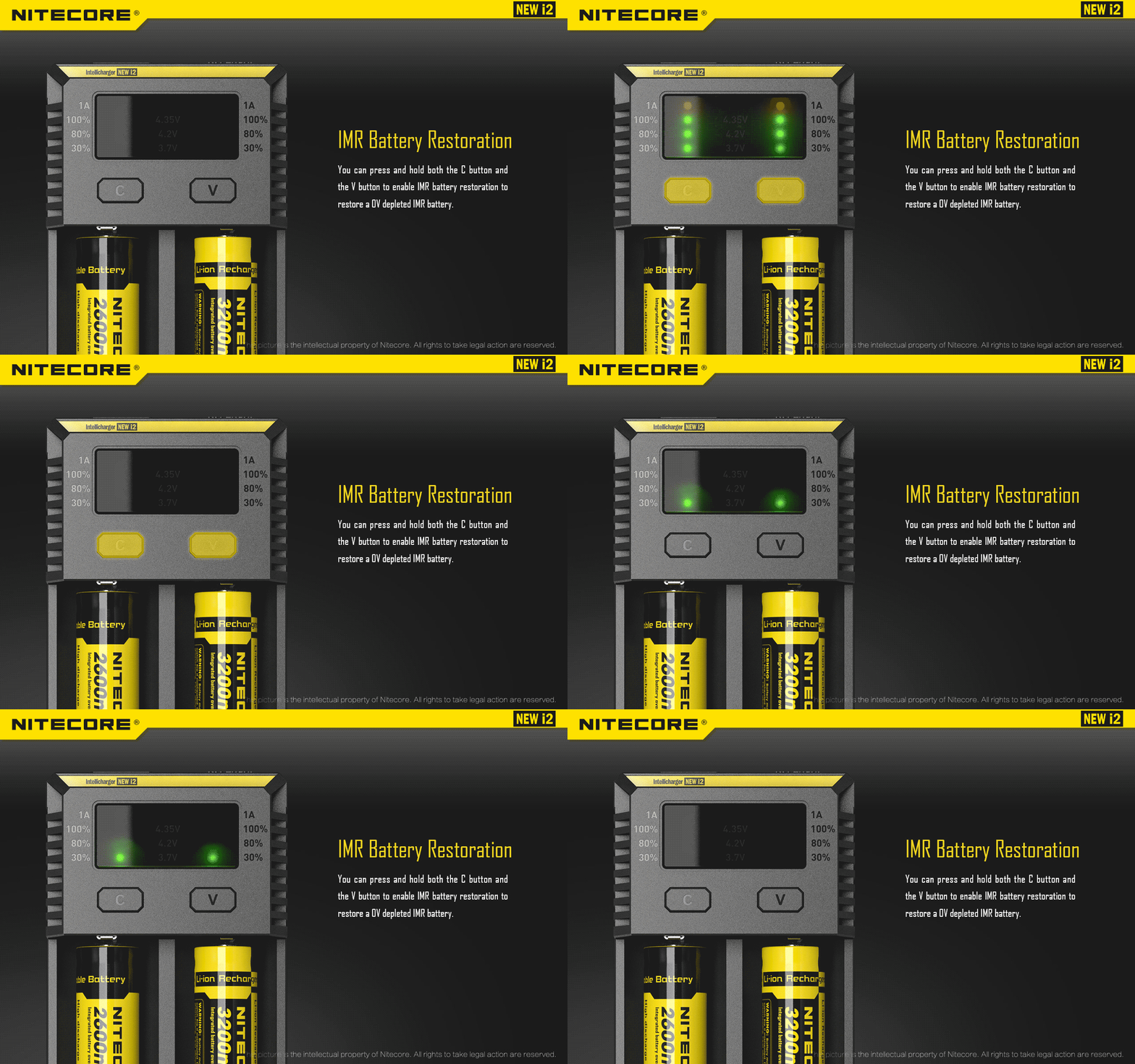
Lithium Battery Recovery
Upon insertion of a 0V IMR battery, all four LEDs over its slot will blink to indicate that it is not ready for charging. Press and
hold both buttons until its power indicator blinks to enter the Recovery mode. Nitecore recommends abandoning this battery
if it fails to be recovered after several attempts.
NOTE: Do not conduct battery activation operation when batteries are inserted with reversed polarity. Doing so may
cause fire or explosion of the batteries.
Overtime Charging Protection
The NEW i2 will separately calculate the charging time of each battery. When the overall charging time exceeds ten hours,
the NEW i2 will automatically stop charging and display a fully charged status. This is to prevent possible overheat or even
explosion due to battery quality issue.
Reviews
There are no reviews yet.